-
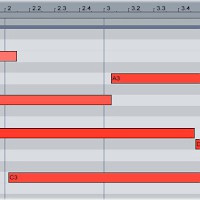
Smoother Chord Progressions
When a group of instruments — like a string section — plays together, each instrument starts and stops each note at a slightly different time. Digitally programmed instruments, on the other hand, will start and stop exactly where they’re told to.
Read More -
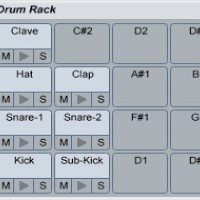
Make a Moombahton Beat
Programming a moombahton drum pattern in Ableton Live is somewhat similar to making a house beat — but with some significant differences. To create its swinging, funky vibe, moombahton uses more syncopated and off-beat percussion than house usually does.
Read More -
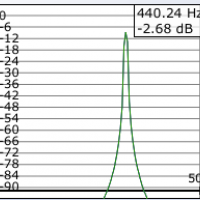
Tune Synths to A432 in Ableton
The idea that the note A3 should correspond to the frequency 440 Hz is a fairly recent one; although A440?s been in use since the 19th century, it’s only since the 1950s that it’s been accepted as the standard tuning.
Read More -
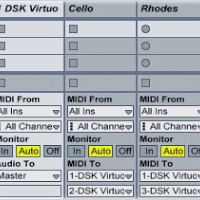
How to Use Multi-Layer Synths in Ableton
Using MIDI tracks to play the different instruments inside a multi-layer synthesizer plug-in can potentially save you massive amounts of CPU power. Instead of loading a new copy of the VST instrument for each part, you can open several instruments inside the same plug-in.
Read More -
Tune Synths to A432 in Ableton
The idea that the note A3 should correspond to the frequency 440 Hz is a fairly recent one; although A440?s been in use since the 19th century, it’s only since the 1950s that it’s been accepted as the standard tuning.
Read More -
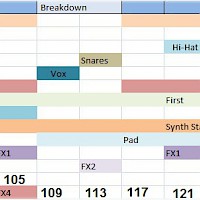
Track Maps
One of the best ways to learn about arranging tracks is to analyze other artists’. Pick one of your favourite tracks, then listen closely to it, noting how and when each element enters and leaves the arrangement.
Read More -
Extreme Sample Stretching
Stretching out audio can do magical things to it: hidden melodies appear, transients crumble into blurs, and tiny blips of sound turn into rich soundscapes.
Read More -
Track Maps
One of the best ways to learn about arranging tracks is to analyze other artists’. Pick one of your favourite tracks, then listen closely to it, noting how and when each element enters and leaves the arrangement.
Read More -
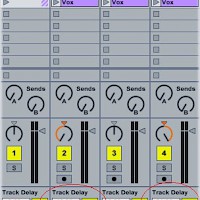
Doubling Vocals
Doubling vocals makes them sound bigger and fuller in the mix. A vocal doubler plug-in creates two (or more) copies of the vocal, pans them to the left and right, then adds a slightly different delay...
Read More -
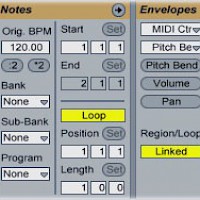
Using Pitch Bend
Pitch bending smoothly lowers or raises the pitch of a note according to a defined envelope. You can quickly access a MIDI clip’s pitch bend envelope in Ableton...
Read More